
What can I save in Stowshelf?
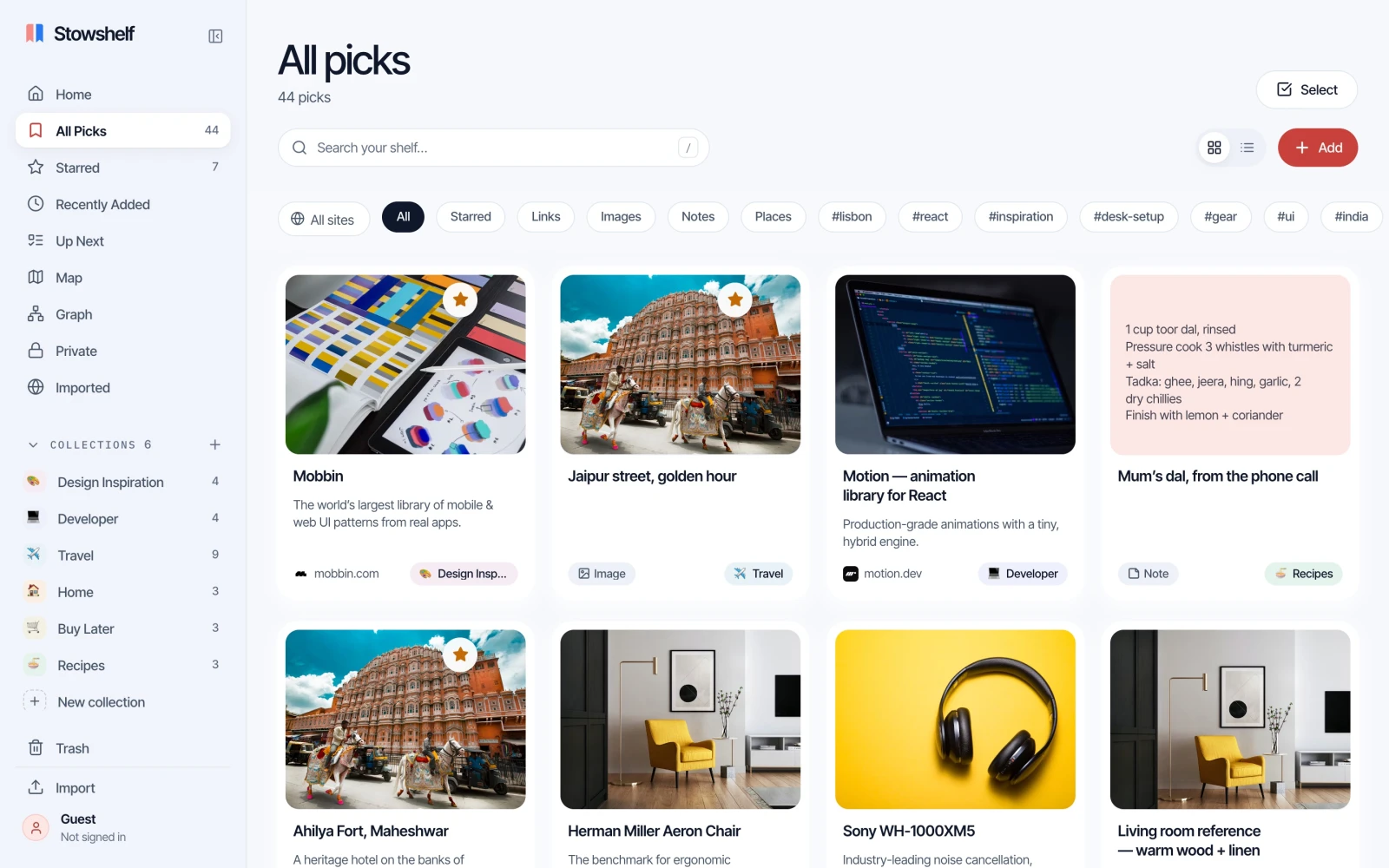
Save web links and articles, images and screenshots, quick notes, and places. Add a note, tags, or a collection to remember why an item matters and keep related finds together.
A visual bookmark manager for links, images, notes and places. Find them again by searching your saved page text, notes and tags.
Free during early access · Account required · No payment details


How it works
Three steps, under a minute.
Step 01 of 03
Paste a link, share from your phone, or click the extension. Stowshelf fetches the picture and title for you.
Step 02 of 03
Drop it into a collection, star the ones you love, add a note on why you kept it.
Step 03 of 03
Search every word you saved, even inside the pages. Typos are fine.
01 / Capture
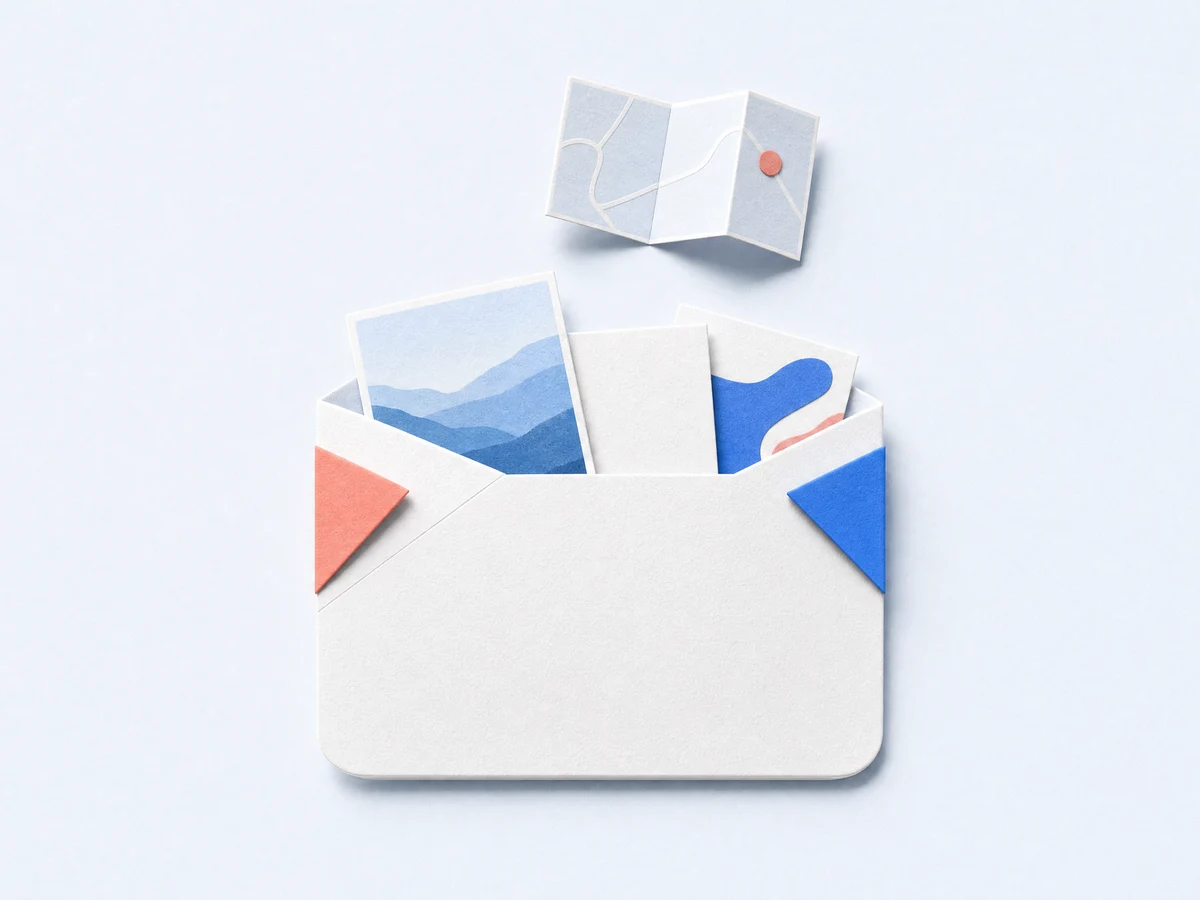
Press Ctrl+V anywhere in Stowshelf. Links, screenshots, notes and places each get their own card, with real previews.
02 / Search
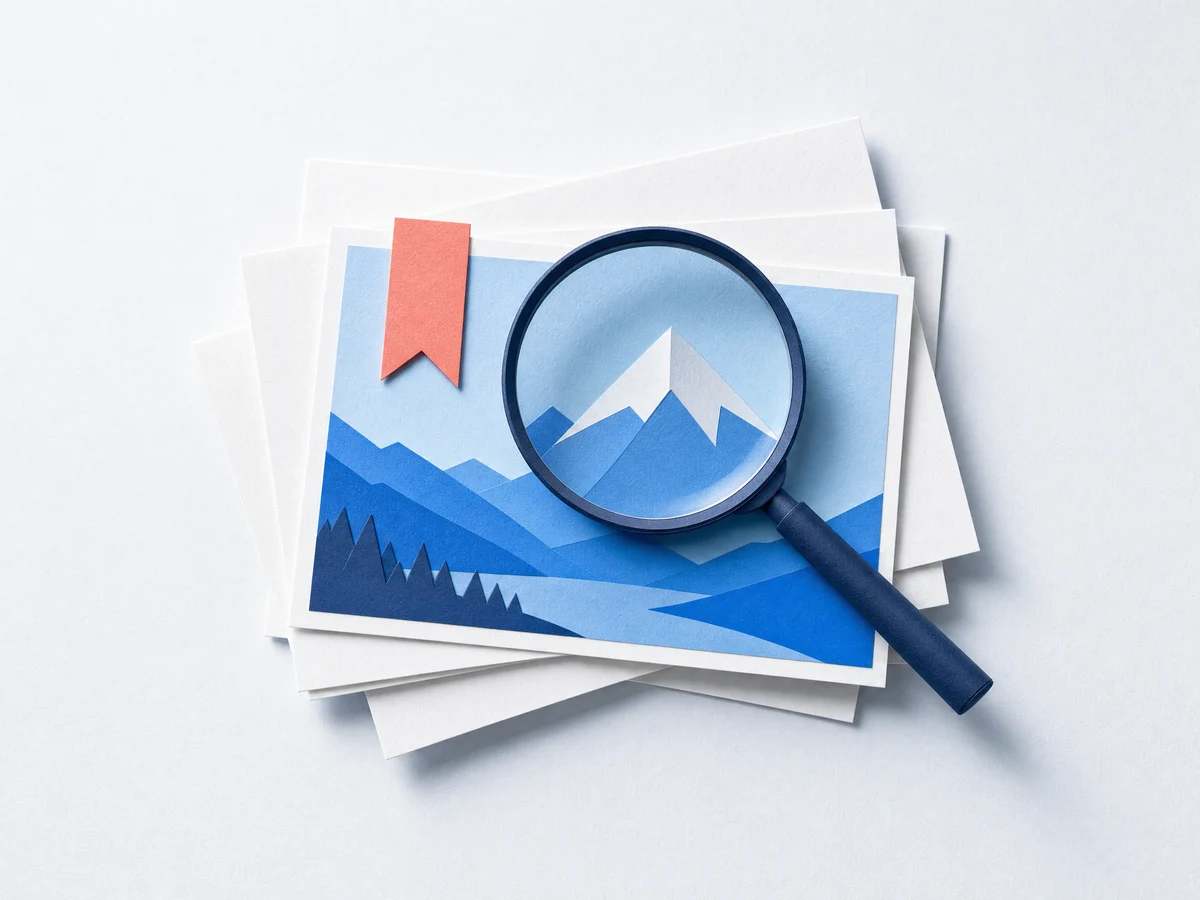
Search your saved titles, notes, tags and captured page text, with typo tolerance. Meaning-based search helps you find related ideas and needs an internet connection.
03 / Collections
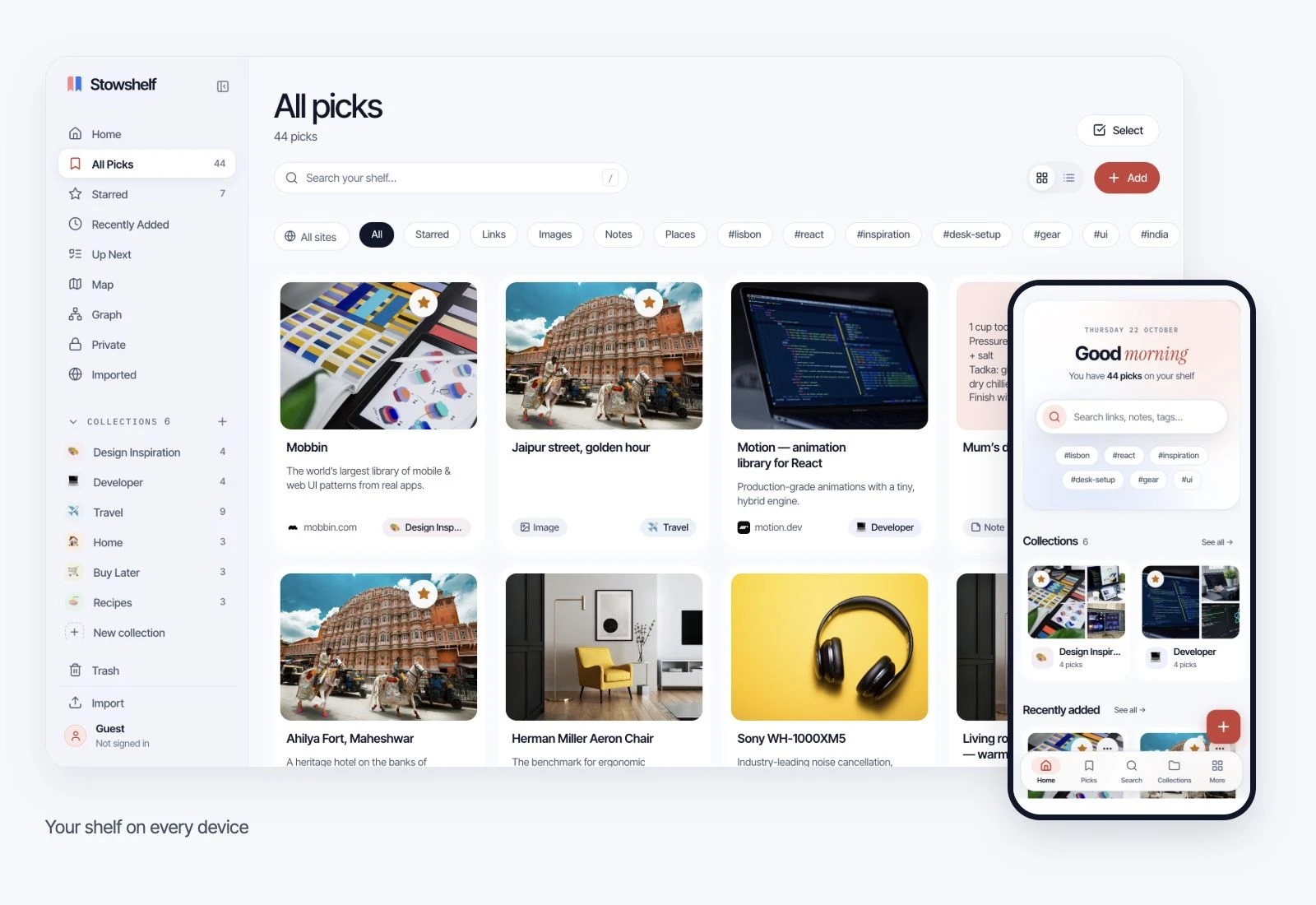
Design references, a trip to plan, recipes from a phone call. Every collection gets a cover made from what’s inside. Drag a pick onto one to file it.

04 / Extension
Click the Stowshelf button, pick a collection, add a note, done. See how it works.
05 / Everywhere
Use your account across phone and desktop. Load the views and content you need while online, then use that locally saved content offline. Sync needs a connection. See what works offline.
06 / Rediscover
Queue anything with Up next, read previously captured text offline after opening the reader online, and highlight the lines worth keeping. Opt in to a free Monday email with the top of your queue and a saved find to revisit.
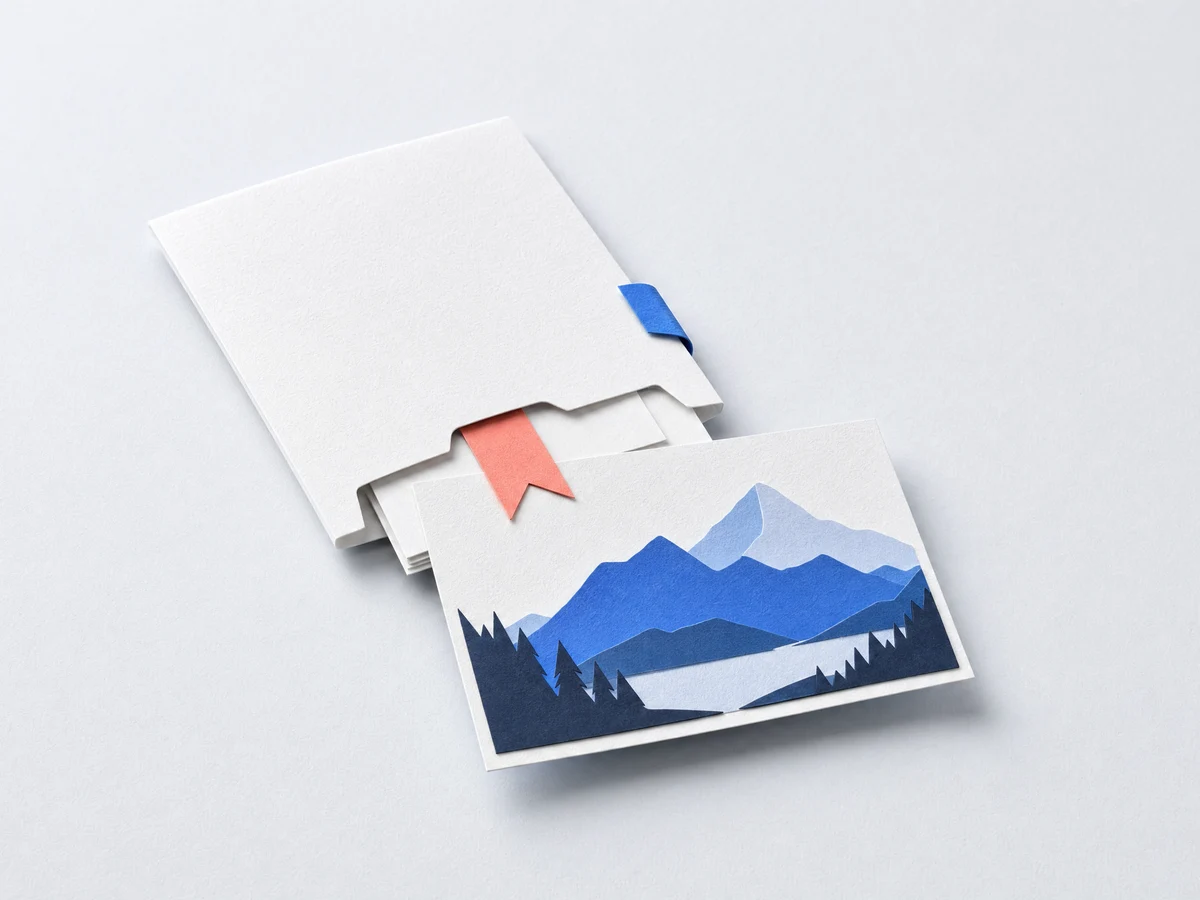
Saving is the easy part. Stowshelf helps you read, keep and find again what you saved.
When page text can be extracted, Stowshelf saves a reading copy. Open the reader and confirm the text is available before going offline. Some pages cannot be extracted; images and page layout are not preserved.
Offline readerHighlight a line on any page with the extension, or while you read in Stowshelf. Highlights stay with their pick and show up in search.
HighlightsThe Graph puts your whole shelf on one map of tags and collections. Picks about the same thing link up on their own.
Graph viewSaved the same article twice? Stowshelf finds duplicates and merges them, notes and tags included. Deleted picks wait 30 days in Trash.
Duplicates · 30-day TrashOn this day brings back what you saved a year ago, and Rediscover surfaces older finds every time you open your shelf.
On this dayPick a handle and stowshelf.com/@you lists the collections you choose to share, with a real link preview everywhere you post it.
stowshelf.com/@youAI agent connections · MCP
Save links and notes from your AI conversations to Stowshelf. Your agent can search saved items and create collections that sync across your devices.
Works with agent apps that support remote MCP and OAuth. Connect your Stowshelf account, review the access request, and keep new shelves unshared until you choose to share them.
A free Stowshelf account is required. Your agent app’s plan and permissions apply.
Try asking your agent
“Save the animation tutorials we discussed to a shelf called Learning motion, with a short note for each link.”
PIN-private content stays out. Agents can edit, organize, archive, trash and restore unshared content. Trash expires after 30 days. Manage or disconnect apps in Settings.
The Stowshelf extension: no tab switching, no copy and paste.
Or press Alt Shift S. Quick Save opens with the page’s title and picture.
Everything is optional; your collections come from your shelf.
Captured items wait in the extension until you open Stowshelf and sign in. A free account is required to add them to your shelf.
Save any link, image or selection; turn on Highlight and Stow buttons in the extension’s options.
You’re in a browser — the extension needs Chrome, Edge, Brave or Arc.
Add to Chrome — freeFrom the Chrome Web Store. Works in Edge, Brave and Arc too (Edge asks once to allow extensions from other stores).
Switching from Pocket or another app?
Import exports from Raindrop, Instapaper or Pocket, or your Chrome, Safari or Firefox bookmarks. Folders become collections, tags come along, duplicates are skipped.
Create a free account to import your bookmarks.
Good to know
Browser bookmarks are easy to collect and hard to revisit. Stowshelf gives saved links, articles, images, notes, and places one searchable home, so useful things do not get lost across tabs, devices, or folders.
Save web links and articles, images and screenshots, quick notes, and places. Add a note, tags, or a collection to remember why an item matters and keep related finds together.
Search across titles, notes, tags, and saved page text from one place. Collections help organize projects and interests, while favorites make the items you use most easy to reach.
Sign in online and open the views and saved text you need on this device. You can then search locally saved content and read captured text offline. New previews, page text extraction, sync and meaning-based search need a connection. See what works offline.
Import bookmark files and supported exports from browsers and tools such as Chrome, Safari, Firefox, Raindrop, Instapaper, and Pocket. Folders can become collections, and tags are carried over where available.
No app store needed. Install it here, then scan the code to put it on your phone too. Sign in and load the views and content you need before going offline.
Save links and text from Instagram and other apps through your Android share menu.
Download Android APKAndroid test build · APK download
Open the downloaded file on your Android phone and follow the installation prompts. Open Stowshelf once, then share a link and choose Stowshelf.
Use the web app insteadThe iOS app is not available yet. Use the web app on your Home Screen today.
Save what matters and find it again. All features included, with no payment details needed.
One home for your links, notes, images and places. All features are free during early access.
Create a free account to save picks and sync your shelf across devices.

The whole point
Create a free account to save your finds and sync across devices. Prepare your shelf online to use locally saved content offline.